
Vibey
Meet Vibey, the AI partner that lives on your computer. Vibey is built into Avibe and runs inside it, so there is nothing to install: add a model source to Model Hub, give Vibey a model, and it is ready to work. It is always on, listed first among the agents, and reachable from the Workbench and every connected chat app — Slack, Discord, Telegram, WeChat, and Lark / Feishu.Why Vibey
Remembers why
On long work, Vibey consolidates its memory again and again without losing what you are really after: the mission, your own words, and the next step. How it remembers · Benchmark
Keeps its own timeline
It schedules work, waits for conditions, and runs in the background, then comes back to you when it is done. Harness
Reachable anywhere
From the browser, your phone, Slack, WeChat, and more. When text is not enough, it answers with a page. Show Pages
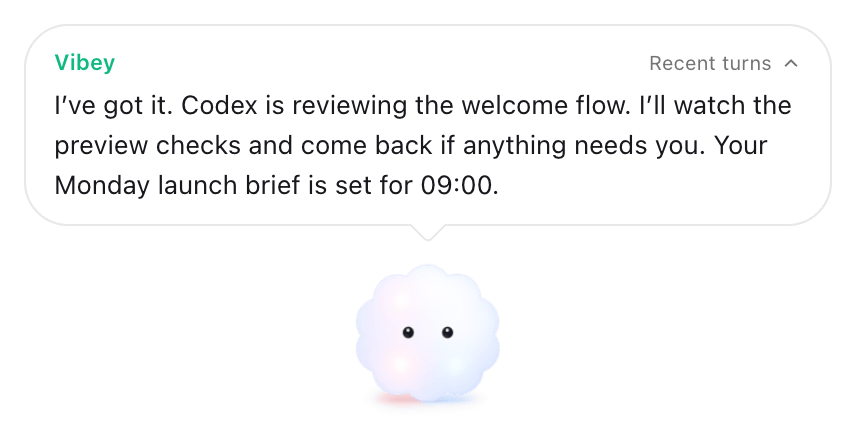
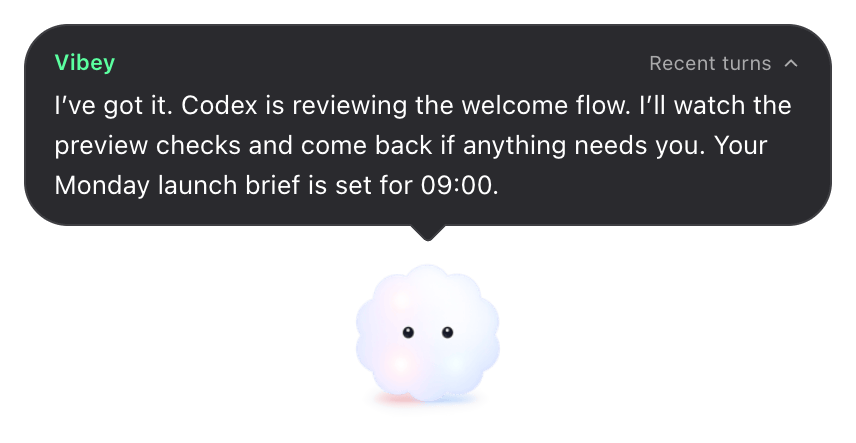
Product UI, sample project data.
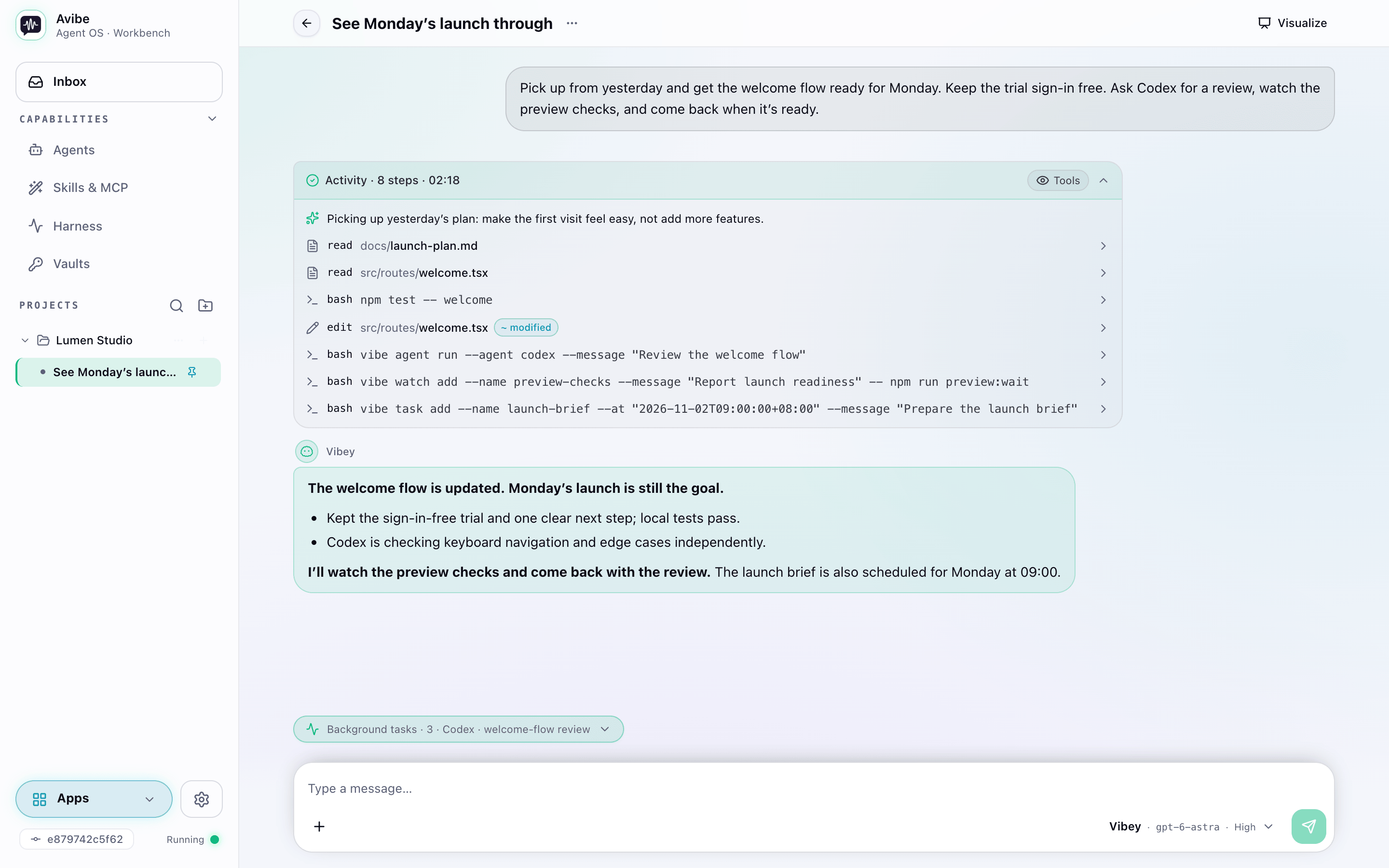
Product UI, sample project data.
What Vibey is good at
Running the platform
Vibey knows Avibe from the inside. Every Vibey turn carries the same Avibe guidance and Skills catalog that every agent gets, and Vibey acts on it throughvibe commands that its command tool runs:
- Harness: run another Agent now, schedule a Task, wait for a condition with a Watch, and check run history. → Harness
- Show Pages: build a live page — a dashboard, a diagram, a report — that you can open from your phone. → Show Pages
- Vaults and Skills: use credentials by name and load the Skills you have installed. → Vaults · Skills
- Computer Use: in the Avibe desktop app on macOS, with Computer Use turned on, Vibey can observe and operate desktop apps through
vibe computer, the same way every agent does.
Coding
If your PATH has no
rg, Avibe adds a managed ripgrep to the PATH agent commands use.
Project instructions. At the start of every turn, Vibey loads your instruction files: ~/.avibe/AGENTS.md for every project, then the AGENTS.md (or CLAUDE.md) of each directory from the filesystem root down to the working directory. An AGENTS.override.md takes the place of a directory’s AGENTS.md, and where two files conflict, the more specific one wins. An edit applies on the next turn. Together the files are capped at 64 KiB; past that, Vibey is told which file was cut or left out. Files in directories below the working directory are not loaded up front: Vibey is told that a subdirectory may hold a more specific instruction file, and to read it before working with files there. Edit ~/.avibe/AGENTS.md with Global prompts on the Agents page.
Reading the web
Vibey usesweb_search for discovery and snippets, and web_fetch with {url}
to read one known public HTTP(S) page or document. Web fetch is on by default
and uses the same chain for every model, including Claude:
Local → configured services → Exa (free) → Jina Reader (free).
In Models > Tools > Web fetch, use the tool switch, reorder the visible
Fetch order, or disable individual rows with Use for web fetch. Search
and fetch switches and orders are independent; changes apply next turn.
Configured services can charge for fetching. Local and the built-in keyless
services have no fetch fee, but model tokens for reading results are separate.
Local requests go directly from the runtime host, exposing its egress IP and
browser-like headers to the site; DNS uses that host’s resolver. Services reached
by fallback receive the URL and connection metadata. Exa and Jina identify Avibe;
no browser credentials or user cookies are forwarded. Local does not run
JavaScript; services may, and Jina’s default Reader does. Local policy refuses
private/internal addresses before forwarding, even with Local disabled; it
cannot pin a provider’s own DNS or redirects.
The stored quotation and model-facing result are bounded to about 12,000
estimated tokens, with truncation marked. Replay uses the retained quotation,
not another fetch. There is no login, screenshot, OCR, or crawling. As checked on
October 25, 2026, Jina’s keyless limit is 20 requests/minute per IP, while
Exa (free) shares per-IP limits with search. See Model Hub’s
web-fetch disclosure, costs, limits, and Jina/Elastic and Exa terms
before choosing which services may receive URLs.
Working in parallel
Independent calls in one response — reads, searches, separate commands — run at the same time. Edits and writes run one at a time, in order. A command still running after 120 seconds, or one Vibey starts in the background on purpose, continues as an Avibe Watch, and Vibey gets a follow-up message when it finishes.vibe watch list shows it; removing the Watch ends the command.
Models
Vibey gets every model through Model Hub. It has no Direct mode and no CLI login of its own.- Sources. Vibey uses Sources held by the gateway: API keys, and subscriptions signed in as a gateway source. A subscription used natively by its own CLI, such as Claude Code’s own login, does not supply Vibey.
- Its model list. When the first such Source exists, Avibe fills Vibey’s list once with the models your built-in Claude Code, Codex, and OpenCode Agents use that those Sources serve. If none qualify, Vibey starts on the first model your Sources list that models.dev describes as taking text and calling tools. Only when no listed model qualifies does the list start empty, and you pick one.
- Picking a model. In the setup wizard, Vibey’s card shows No model yet. Pick one to start. with models your Sources supply, plus All models…. Later, use Manage models on Vibey in Models > Sources & gateway, or Add model at the end of any of its model lists. Reasoning effort follows the tiers configured for the model.
- Protocols. Vibey calls each vendor in its native API through the gateway — Anthropic Messages, OpenAI Chat Completions and Responses, and Google Gemini — so routing, fallback, and recovery work as they do for every gateway backend.
- The gateway stays on. While Vibey has models, the model gateway cannot be turned off: Vibey’s models use the model gateway; remove them before turning it off. If the gateway is off anyway, a Vibey turn stops with The model gateway is off, so Vibey has no model to run on. Turn it on in Models, then choose a model. Model Hub is on by default. If the instance’s operator has disabled it, Vibey cannot run, and a new install’s first default Agent is an available CLI assistant instead.
Platforms
Vibey runs wherever Avibe runs: macOS, Linux, and native Windows. Native Windows support is new in this release and has so far been tested in CI, not yet across real Windows machines; on Windows, WSL remains the recommended setup.- On macOS and Linux, including WSL, commands run in
bash. - On native Windows, commands run in PowerShell 7 when
pwshis on the PATH, otherwise in Windows PowerShell 5.1, which ships with Windows 10 and 11. Vibey is told which one it has; Windows PowerShell 5.1 has no&&or||.
Configure in Avibe
- Add a model source and give Vibey a model. On a new install, do it in the setup wizard; Vibey alone can complete setup once it has a model. On an upgraded install, where setup is already complete, add the source in Models > Sources & gateway, then use Manage models on Vibey.
- Start a Workbench session with Vibey, or route one or more chat channels to it.
- Optionally create more Agents on the Vibey backend, each with its own prompt and model.
vibe agent default vibey (use vibey-2 instead if the built-in Agent was renamed, as described below). When Vibey cannot run, its reply says what is missing instead of handing your message to another Agent: in the Workbench, an admin gets Open Models, and anyone else is told to ask an Avibe admin; in a chat app, /setup vibey explains where Vibey’s models come from. The built-in Vibey Agent’s model, reasoning effort, prompt, and description stay editable; only its enable switch is locked on. If you already had an Agent named vibey, it keeps its name, and the built-in Agent is named vibey-2.
Sessions, forks, and Stop
- Memory on long work. When a conversation outgrows the model’s context, Vibey condenses earlier parts into a checkpoint without interrupting you: its understanding of the goals, your own words copied verbatim, and the current step. There is no
/compact; if nothing more can move out, Vibey stops and asks you to start a new session with/new. → How Vibey remembers - Move a session to Vibey. In a Workbench chat, open the Agent and model menu at the lower right of the message box and pick a Vibey Agent, even when the session already ran on Claude Code, Codex, or OpenCode. The session keeps its history, Watches, Tasks, and delegated runs. Vibey starts with a fresh context, and your next message carries the recent conversation and the open work; Vibey can read the full history with
vibe data query. Tool outputs from before the switch are not carried, so Vibey re-reads files or re-runs commands when it needs them. Switch when the session is idle: a running turn or background work on the old backend has to finish first. Sessions can move between Claude Code, Codex, and OpenCode the same way, but once a session has run on Vibey it stays on Vibey; you can still change between Vibey Agents. - When a session’s Agent can’t run. If the session’s Agent is turned off or deleted, or its backend is not available, the message you just sent is kept, and the notice offers Continue with Vibey. One click moves the session to Vibey and runs that message there, with the earlier conversation handed over as above. Earlier replies keep the name and icon of the Agent that wrote them. In a chat app, the notice asks you to switch the session to Vibey in the Workbench, then send the message again.
- Fork. Fork session in the Workbench, or
vibe agent run --fork-session <session-id> --message "...", starts a new Session from Vibey’s own transcript through the source’s last finished turn; a turn still running is left out. Commands, Watches, and Tasks started before the fork stay with the source Session. - Stop. Stop, or
/stopin chat, ends the current turn and any command still running in the foreground. Commands already handed to a Watch keep running until they finish or you remove the Watch. A message you send while Vibey is working is read after its current tool calls finish. - Restart. If Avibe restarts mid-turn (
vibe restart, an upgrade, a stop and start, or a crash), Vibey finishes the same turn on its own after startup, however long Avibe was down. It picks up from what the turn had saved; you see no interruption notice and send nothing. A turn from a chat app continues once that app reconnects. A command still running at the restart keeps running: Vibey waits for it as before and hands it to a Watch only after 120 seconds from its start. A reply that was being written is written again, and a run started through the Harness reports the finished result. Rarely, a reply sent to a chat app just before the restart is sent again. A turn you stopped, a session that was archived or moved to an Agent on another backend, and a turn that three restarts in a row cut without progress end as interrupted instead.
Limits
Vibey is a first version:-
Capabilities: no general-purpose MCP client (Avibe capabilities arrive through
vibecommands), no LSP tools, and no per-action approval or sandbox — Vibey runs its tools as your user without asking first. Web search, web fetch, X search, and image generation are on by default and managed in Models > Tools (see Use hosted tools). Web search can use the built-in Exa (free) service without a key or setup, added Tavily, keyed Exa, or DeepSeek search services, as well as model-vendor search; Vibey has no local search engine of its own. When the search fallback chain is used, the current automatic order is added search services, enabled official DeepSeek, Exa (free), then model executors. Exa (free) is free and rate-limited by connection IP; a rate limit starts a shared search/fetch cooldown and the search falls back to the next eligible entry. Its per-row Use for web search switch is in Models > Tools. Queries go directly from this Avibe runtime tomcp.exa.ai, where Exa can see the connection’s IP;avibe.botis not a proxy hop. -
Commands: no input and no terminal, so prompts and full-screen programs do not work. Pausing or removing a command’s Watch ends the command, and
/newpauses it; such a Watch cannot be resumed or edited. On macOS and Linux, a process that detaches into its own session (for example withsetsid) is not tracked. Commands inherit the Avibe service’s environment, including provider variables such asOPENAI_API_KEYset there; the gateway’s own token is never in it. -
Output: no live streaming — text and command output appear when each step completes — and no slash commands of its own. Avibe’s chat commands, such as
/newand/stop, work as usual. - Forks: only from the latest finished turn, not from an earlier point; a fork’s first turn starts without the provider’s prompt cache.
-
Files and images:
editrefuses files over 10 MiB or 200,000 lines, and more than 10,000replaceAllmatches. Images are not resized or converted: an image file over about 3.4 MB is left out, BMP is not supported, and a model whose image support is unknown gets a text placeholder. Images Vibey has seen and its context scratch files stay under~/.avibe, readable only by your user, and are not deleted with the Session. -
Models: without known limits, Vibey assumes a 128,000-token context and 8,192 output tokens. A Gemini API key runs on Gemini’s native API, so reasoning carries across tool calls and a safety-blocked prompt ends the turn at once; Gemini 3 and later models search with Google Search. A Gemini subscription, and a relay that serves Gemini over Chat Completions, run through the gateway’s conversion: reasoning continuity across tool calls is not kept, a stream without a finish reason fails the turn, a safety-blocked prompt can take until the 10-minute silence limit to fail, and model IDs containing
:are refused.