vibe, or reach it from anywhere with vibe remote.
What you can do
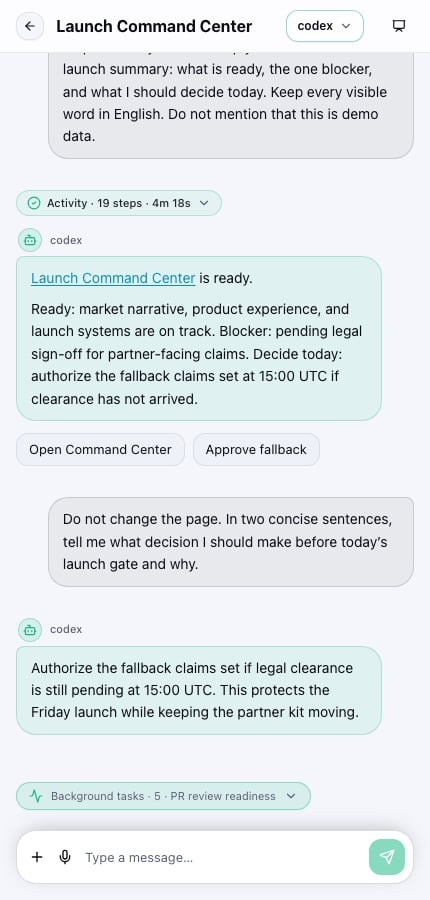
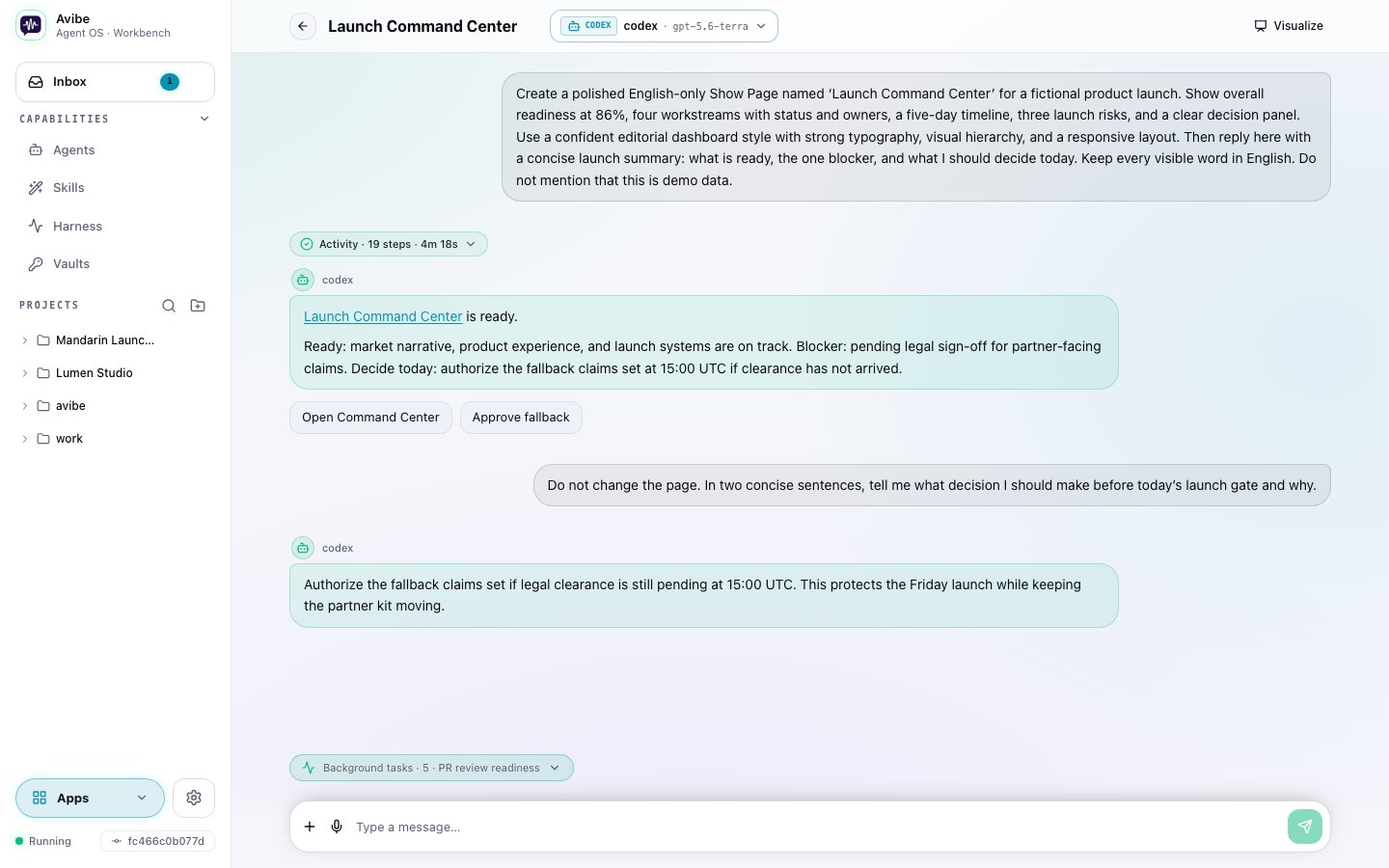
- Chat with your agent directly in the browser — the same sessions you’d reach from Slack or Discord.
- Talk instead of type — built-in voice-to-text lets you brief the agent by speaking. On desktop, press Option+Z on macOS or Alt+Z on Windows and Linux to start, press it again to finish, or press Esc to cancel. Change the shortcut for the current browser under Settings > Shortcuts.
- Open Show Pages — when the agent builds a Show Page, you view it right here.
- Run apps from the Dock — the Show Pages your agent builds install as apps: keep the ones you use in the Dock, open them in windows, and manage them in the App Library.
- Answer interactive prompts — when the agent needs a decision, it pops buttons or a short form instead of making you type it out.
- Inbox — a live timeline of every turn, including the self-initiated turns your Harness tasks and watches produce.
- Agents — configure your backends (Vibey, Claude Code, Codex, OpenCode), models, and per-project routing.
- Vaults — provide and approve secrets without exposing their values through Vault responses.
- Skills — manage Skills for your agents.
- Projects and sessions — start, resume, and organize work across projects.
Organize projects
Projects keep a fixed order across desktop and mobile. Initially they follow creation order, with new projects added at the end. Chat activity and renaming do not move them. Drag a project header to change its position. On a phone, hold the header briefly before dragging; a normal swipe still scrolls. Projects animate into place and the order is saved on your Avibe instance, so it follows you across devices. Click or tap the header to expand its sessions. For keyboard access, focus the header, press Space, move with the arrow keys, and press Space to drop or Esc to cancel. Reordering requires permission to manage projects. Sessions within each project keep their own order: pinned sessions first, then most recently active sessions.Install it as an app
The Workbench is a PWA. Add it to your desktop or phone home screen and it behaves like a native app — its own window, and a push notification the moment a job needs you. You leave the agent running on your machine and carry the control surface in your pocket.