
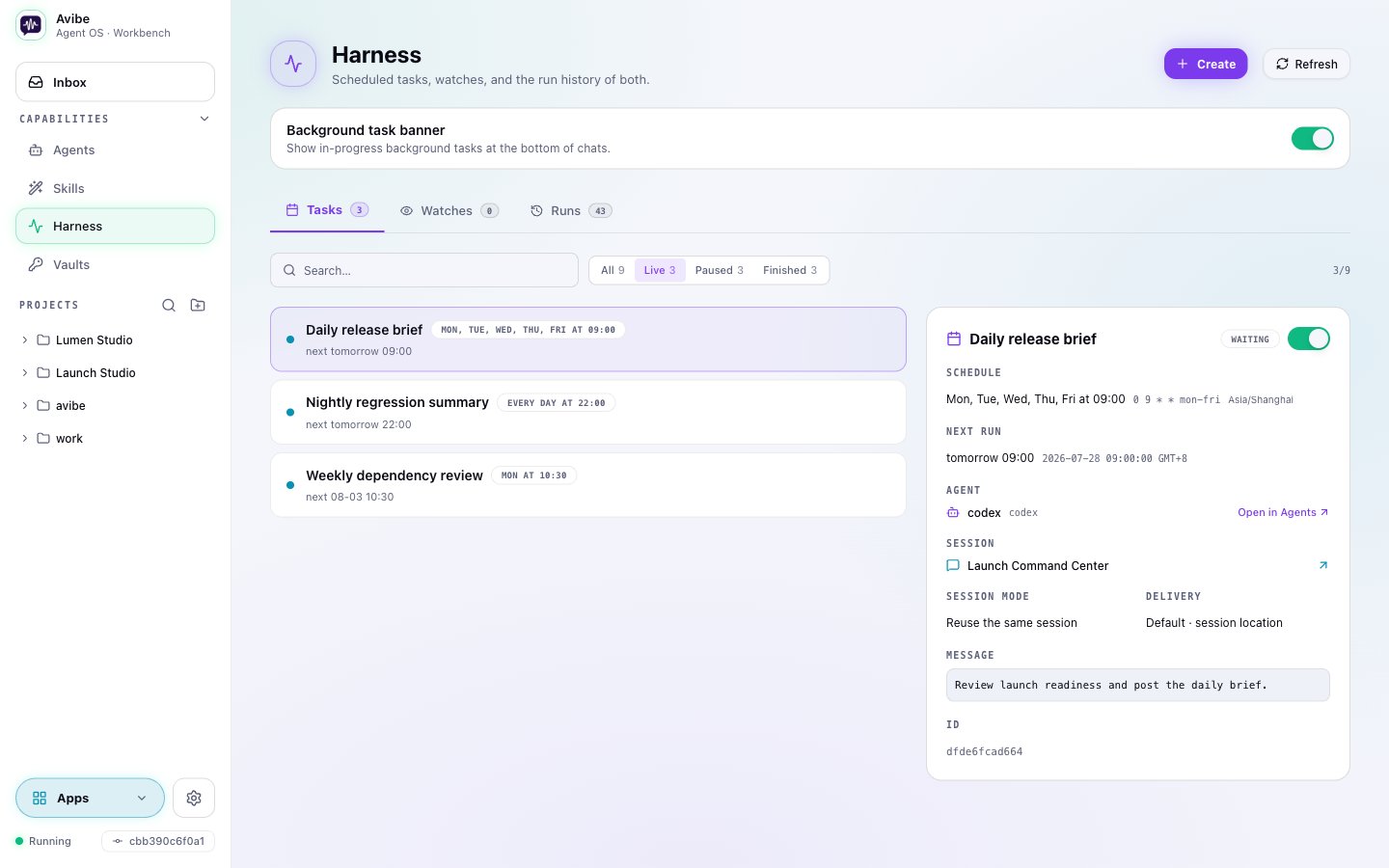
The primitives
- Run — execute one Agent job now. It runs in the background and reports back by default, or synchronously with
--syncwhen you want to wait for the answer. - Task — a time trigger. “Every weekday at 9am”, “tonight”, “once after lunch.” Recurring (
--cron) or one-off (--at). - Watch — a condition trigger. Wait for a PR review, a CI result, a deployment, a file, a log line, or a long-running process — then act.
- Runs — the history. Inspect what happened, continue from a run, or cancel work when the situation changes.
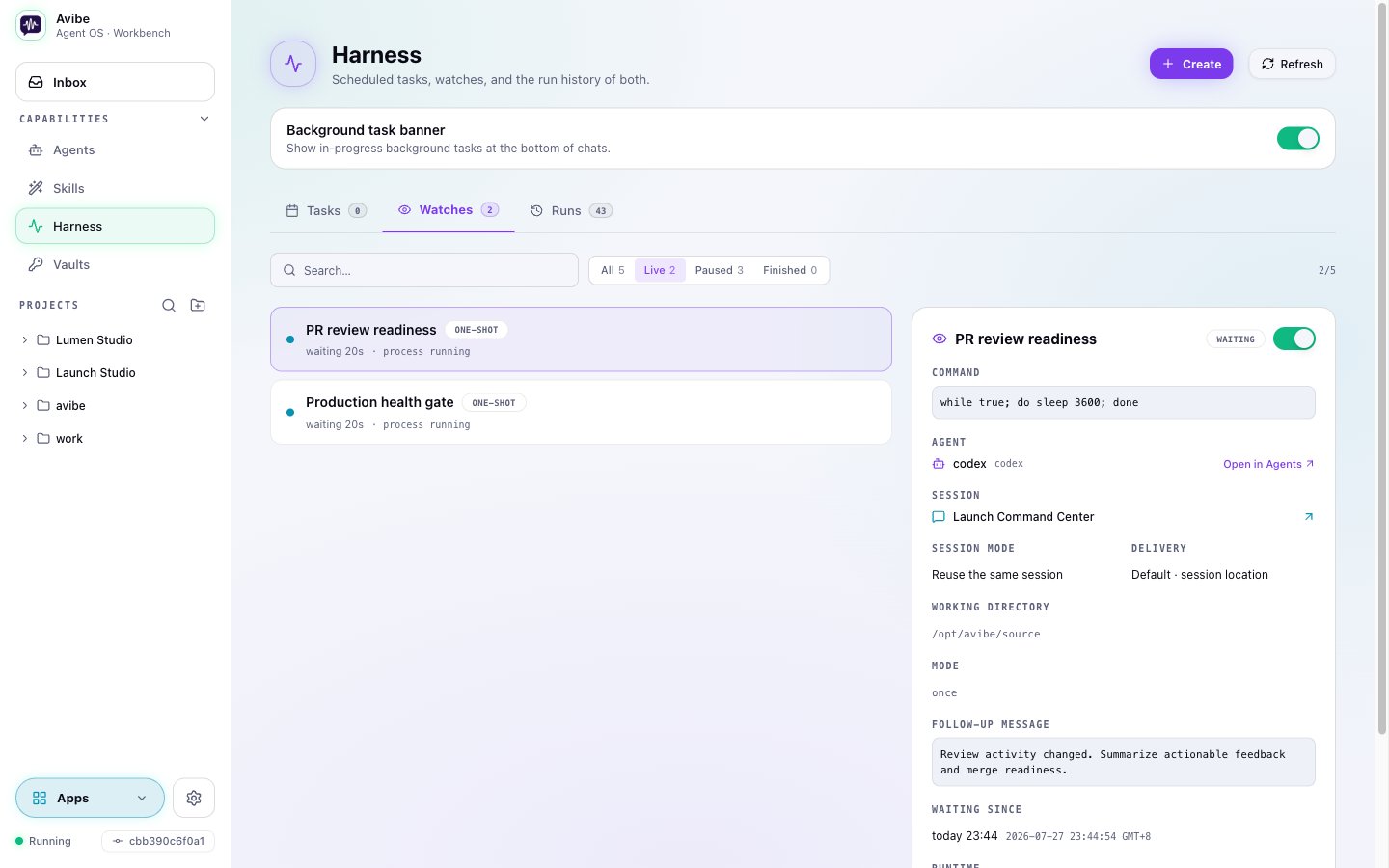
Ask in plain language
You don’t memorize flags. Ask your agent:- “Watch this PR and come back when there’s actionable review feedback.”
- “Run the deployment check every weekday morning and post the summary here.”
- “Start a separate investigation session for this incident, but report the conclusion to this channel.”
- “If CI fails, summarize the logs; if it passes, tell me whether the PR is mergeable.”
Sessions and delivery
A Harness run can continue the conversation it came from — same thread, same context — or fork a fresh session for an independent investigation. When configured with a delivery target, it reports back to the originating thread, a parent channel, or the Workbench Inbox. A standalone definition can intentionally omit delivery; its result remains available in run history instead. For CLI-driven branching, usevibe agent run --fork-session <session-id>.
Avibe creates a new Agent Session and asks the native backend to fork the source
context; a Vibey Session is forked from Avibe’s own transcript instead, through
its last finished turn. The fork keeps the source backend; --agent, --model, and
--reasoning-effort are allowed only as same-backend overrides.
Why it matters
This is the concrete, shipped step toward tension-driven agency: an agent that can leave the current chat turn, wait, return, branch, and keep records — instead of only reacting to your latest message. Self-initiated turns show up live in the Workbench.Reference
Full CLI for each primitive is in Commands:vibe agent, vibe task, vibe watch, and vibe runs.