
WeChat and Lark
Avibe also supports WeChat and Lark / Feishu, so the agent can live where your real work conversations already happen. Both connect out like the other platforms — no public inbound port for normal chat control — and the in-app setup wizard walks you through the platform-specific credentials.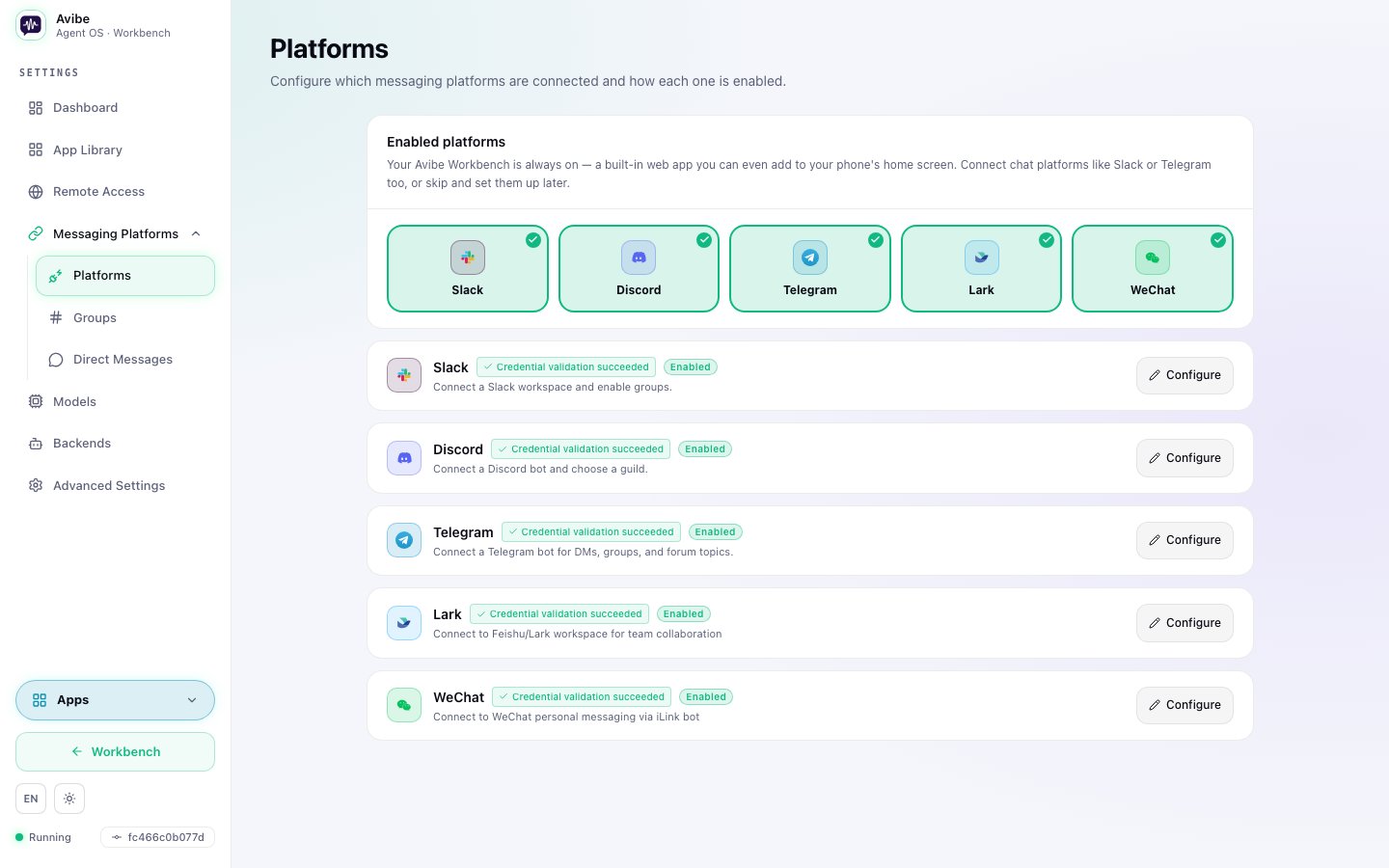
Lark / Feishu
Lark / Feishu suits teams already living in enterprise chat, approvals, and that collaboration ecosystem. In the setup wizard, choose Lark / Feishu, configure the app credentials it asks for, and select the chats or channels where Avibe should respond. Lark connects over its WebSocket transport, so there are no inbound webhooks to expose.
Setup specifics for WeChat and Lark are wizard-guided and evolve with each platform’s own console. Follow the prompts in the wizard rather than a static field list, and use vibe doctor if a connection doesn’t come up healthy.
Outbound proxy
When the host running Avibe cannot reach WeChat or Lark / Feishu directly, setproxy_url on the matching platform config block from the Web UI. Both HTTP/HTTPS proxies and SOCKS proxies are supported (any socks*:// scheme — socks4, socks4a, socks5, or socks5h). Saving the config block only persists the change; run vibe restart --delay-seconds 60 afterwards so the new transport applies to live connections.